NOTICE
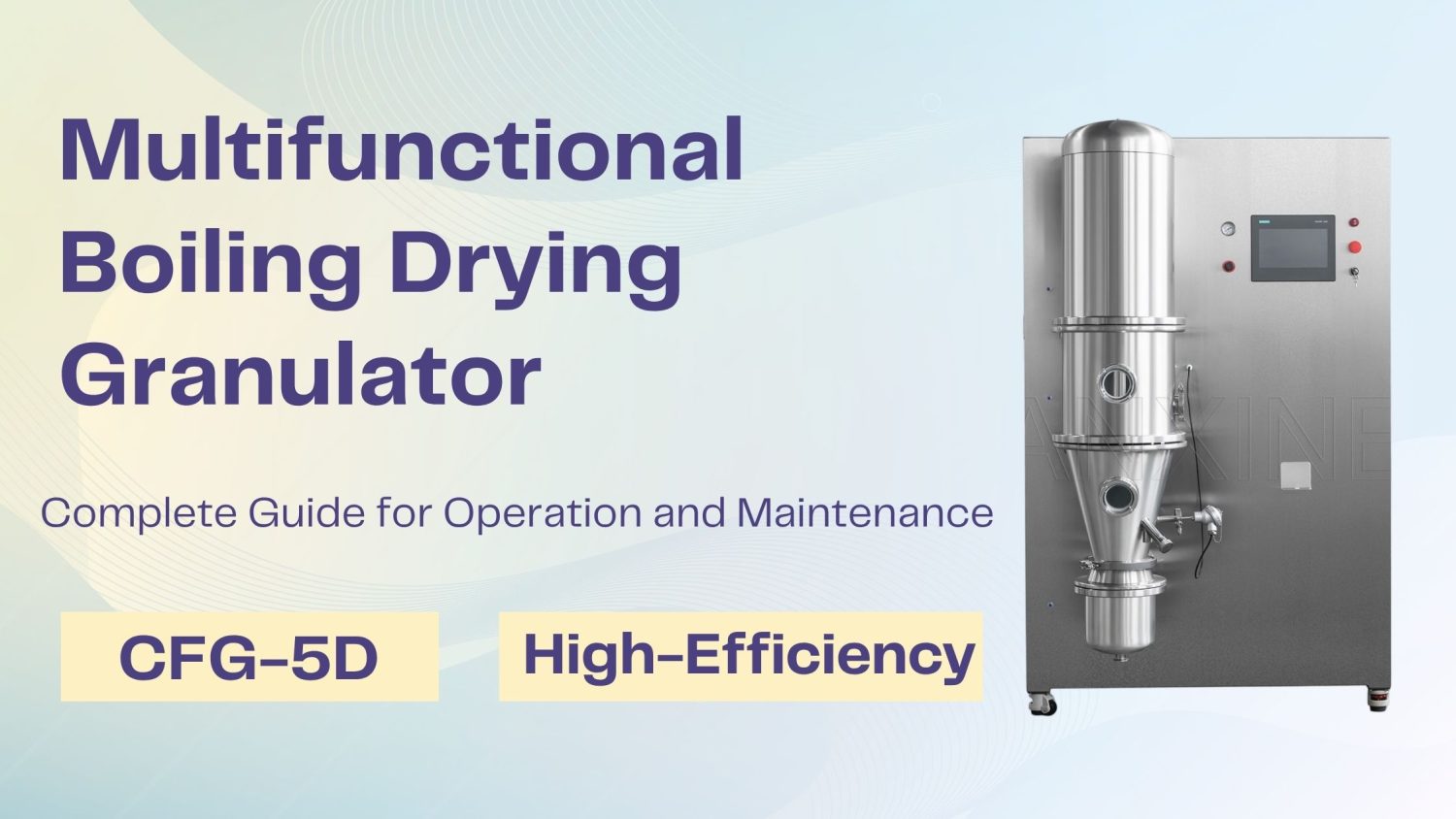
- The following procedures are intended for the Anxine CFG-5D only. For other brands, refer to the original manufacturer’s instructions.
- Always disconnect the power supply before performing maintenance, cleaning, or mold changeover.
- Only trained and authorized persons are permitted to work on the equipment.
- Your equipment may vary from images or videos due to ongoing upgrades.
- If any part of this guide is unclear, contact Anxine for technical support before proceeding.
Section 1: How to Install the Collection Bag
Step 1: Place the collection bag onto the collection bag mounting base and tighten the bag with its drawstring.
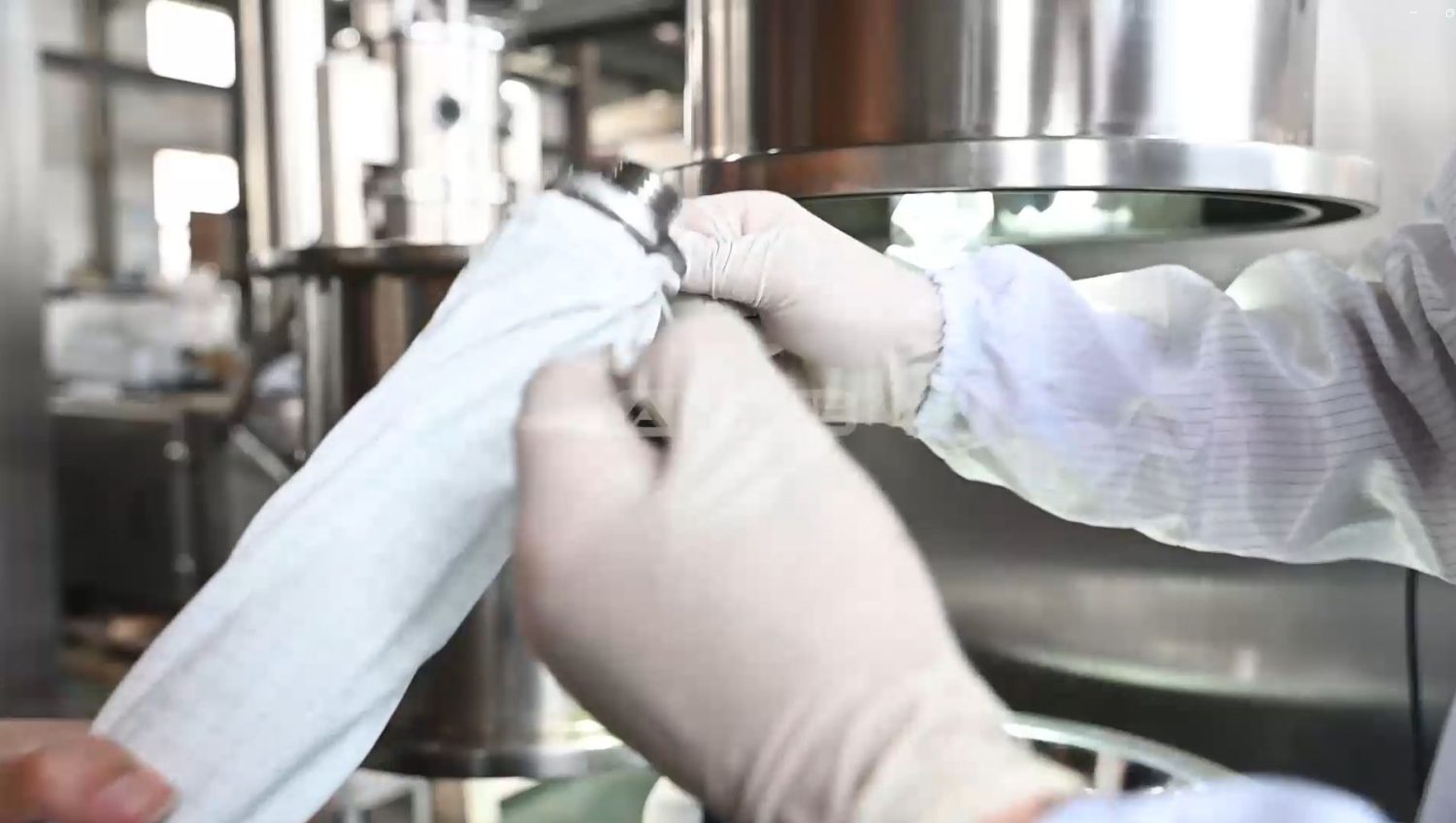
Step 2: Fit the gasket onto the collection bag mounting base.
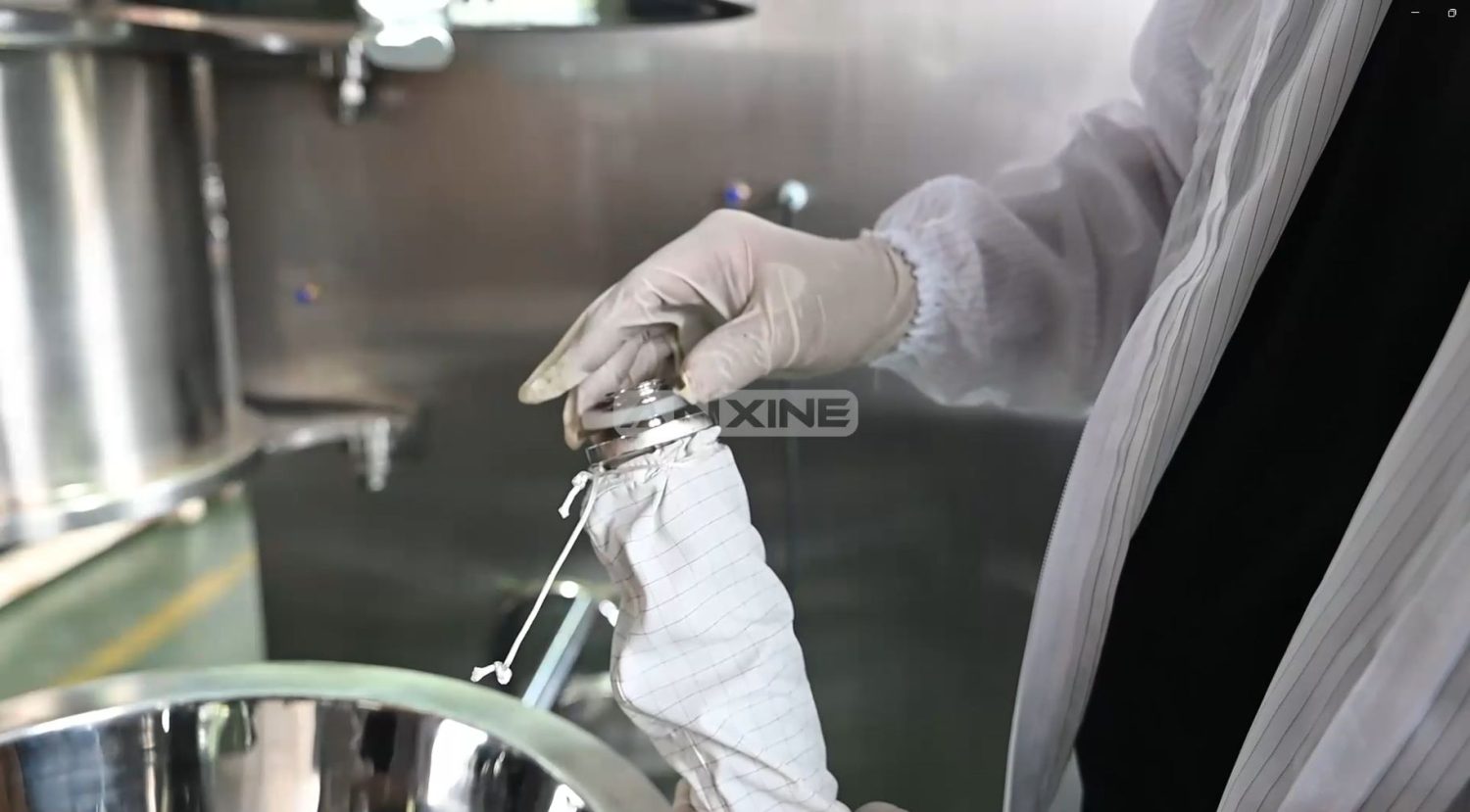
Step 3: Install the assembly into the filter supplement collection chamber.
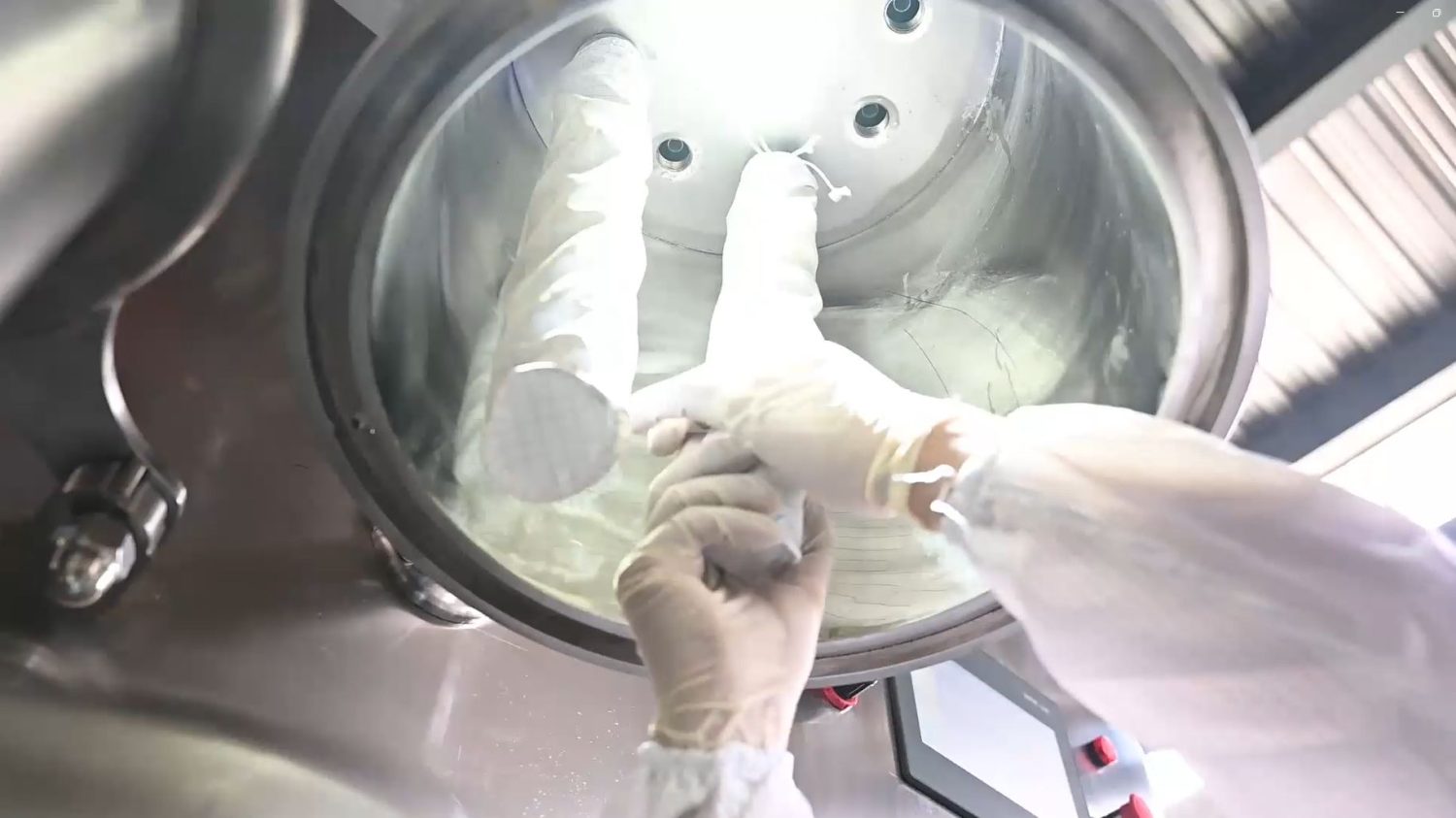
The video below shows clear procedures for installing the collection bag.
Section 2: How to Operate the Dry Granulator Machine CFG-5D
Step 1: Align the container with the discharge port.
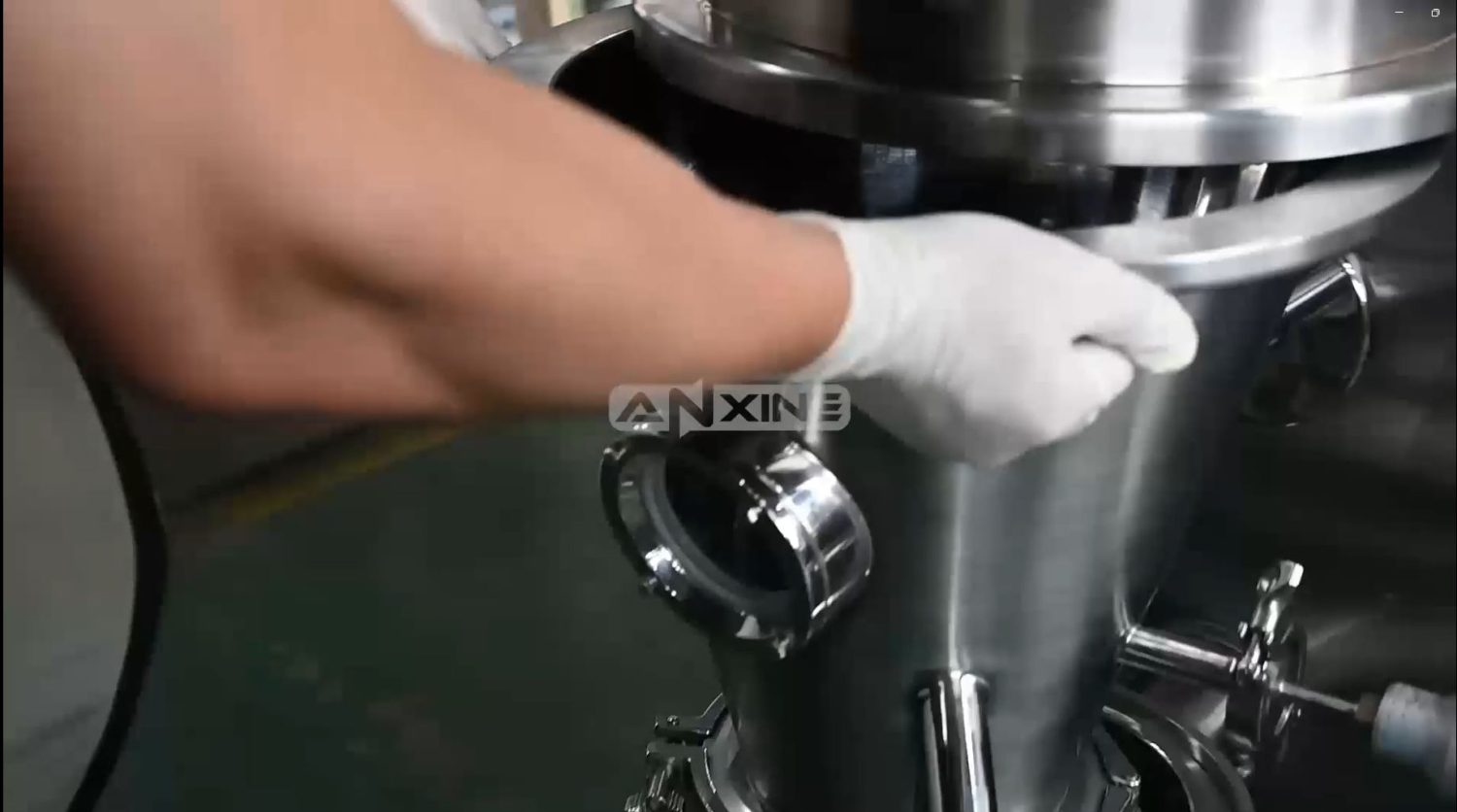
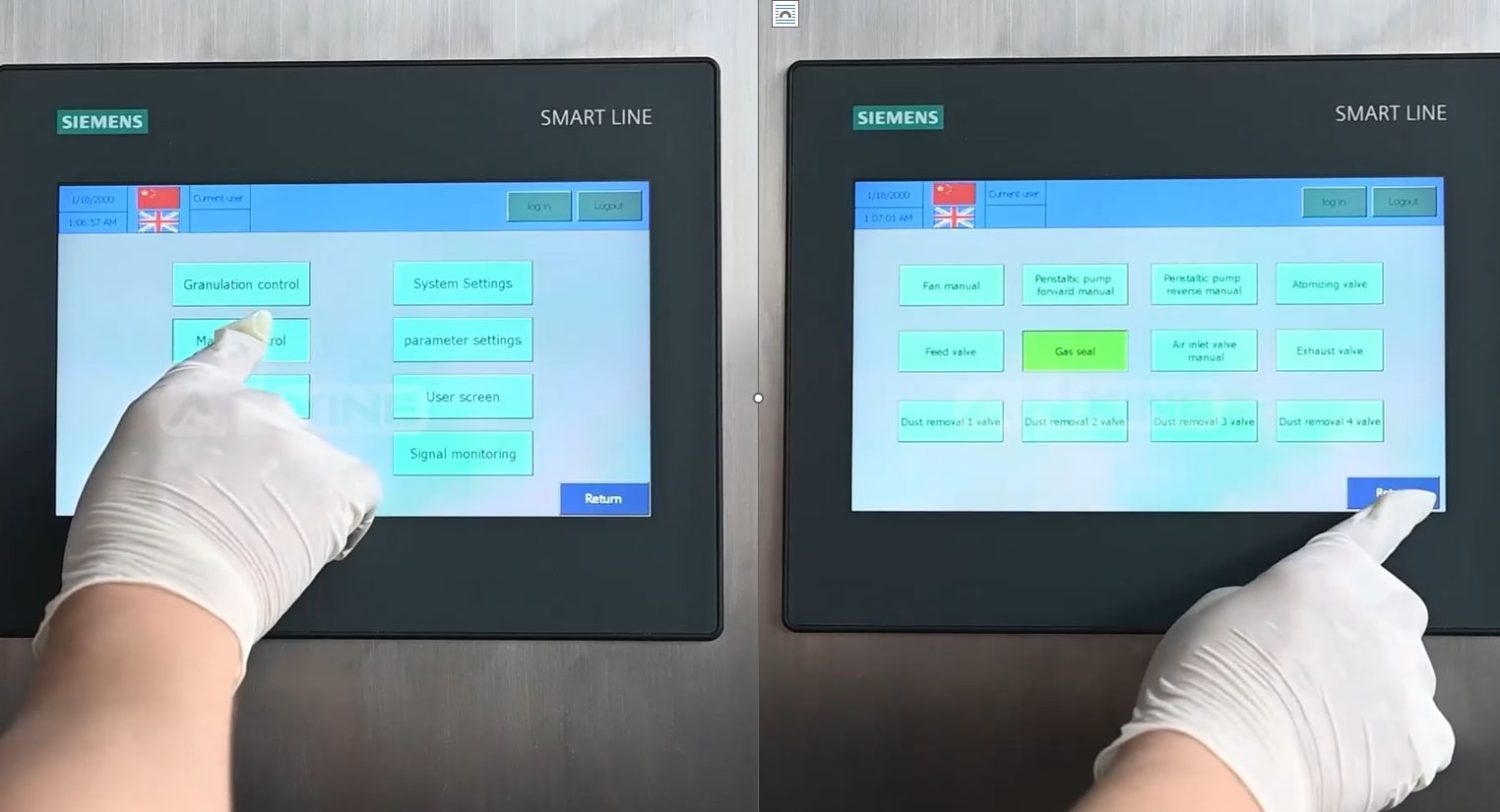
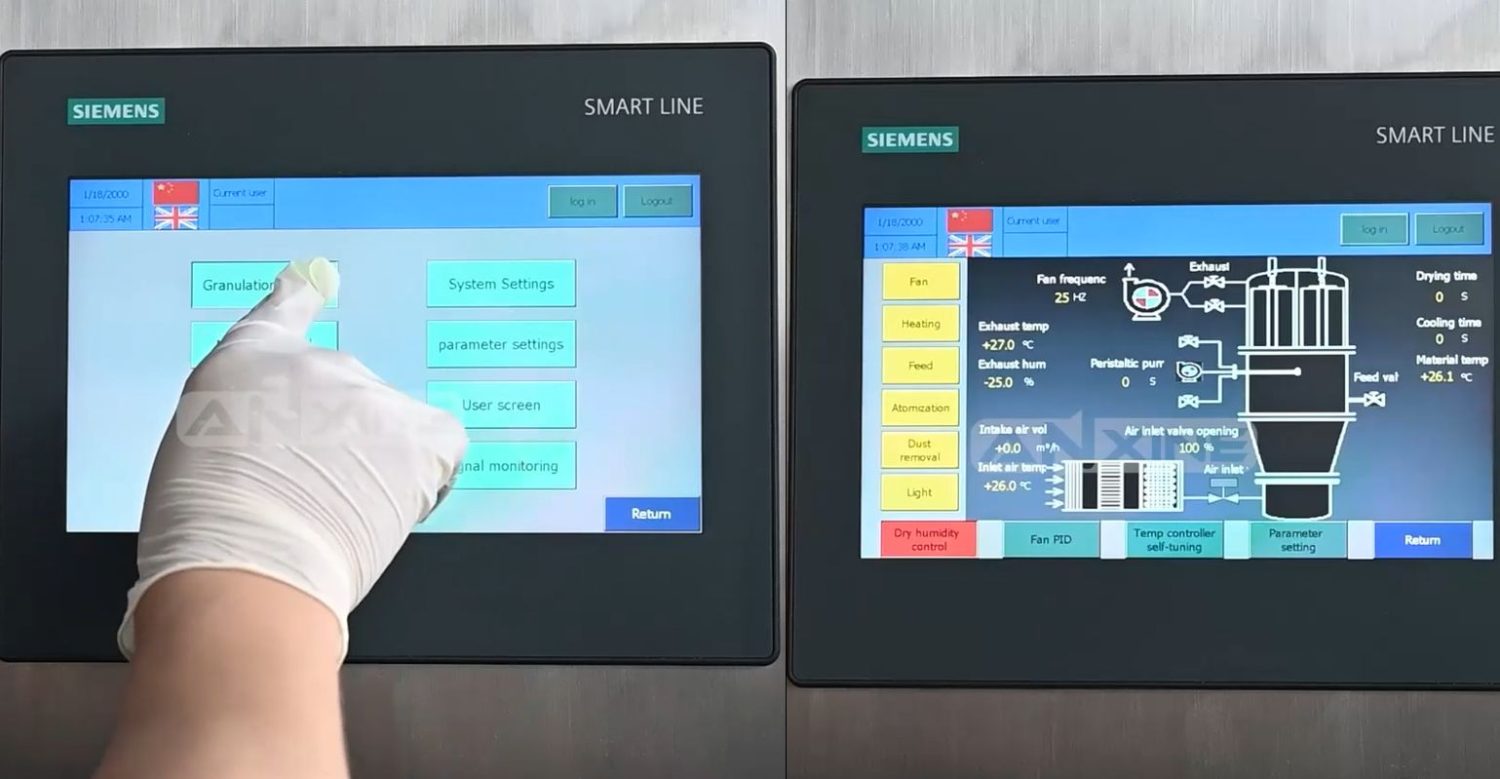
Step 2: Press “Manual Control,” select “Gas Seal.”
Step 3: Return to the main menu and press “Parameter Settings” to set parameters.
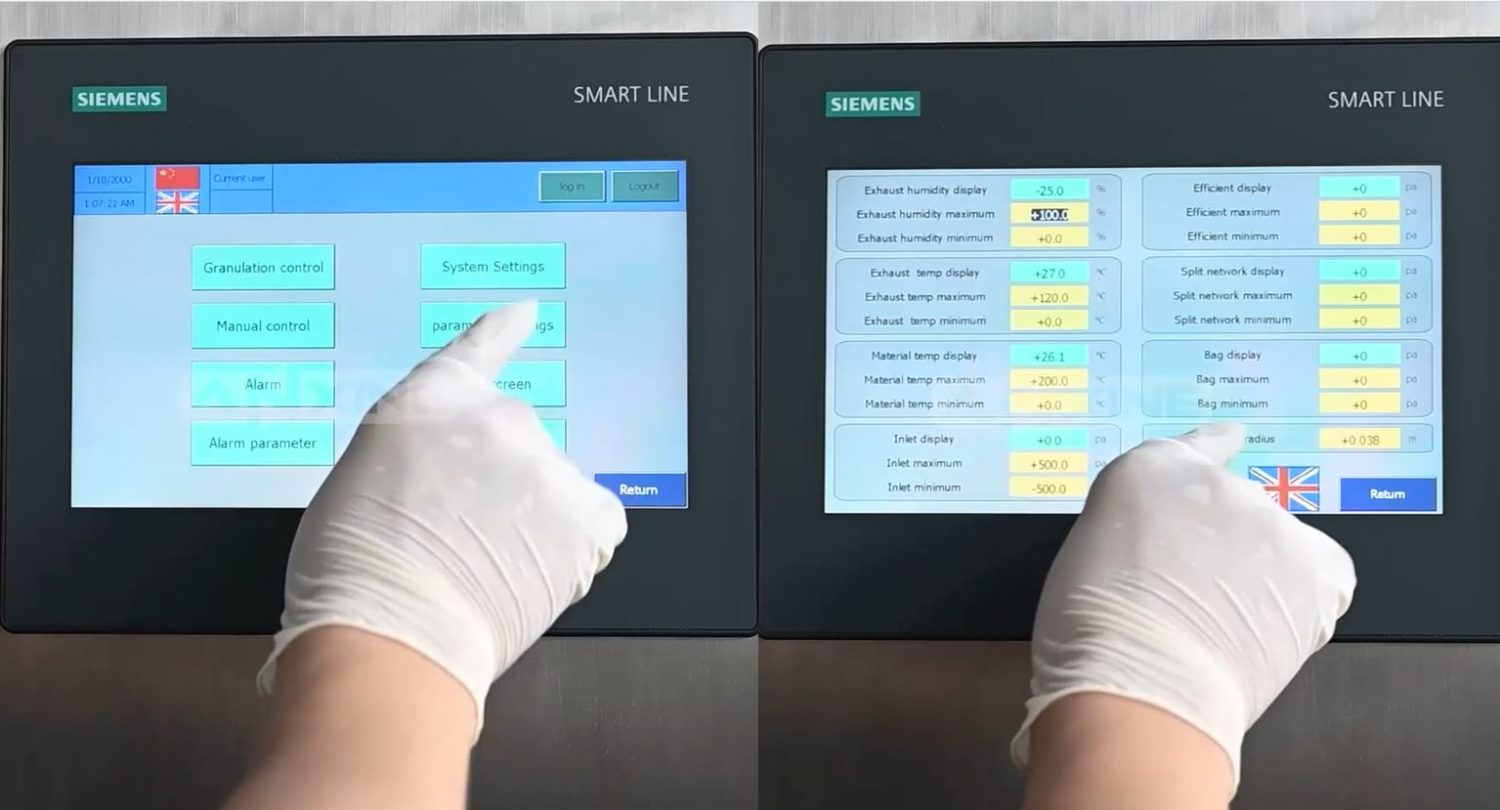
Step 4: Return to the main menu and press “Granulation control” to monitor the operating status.”
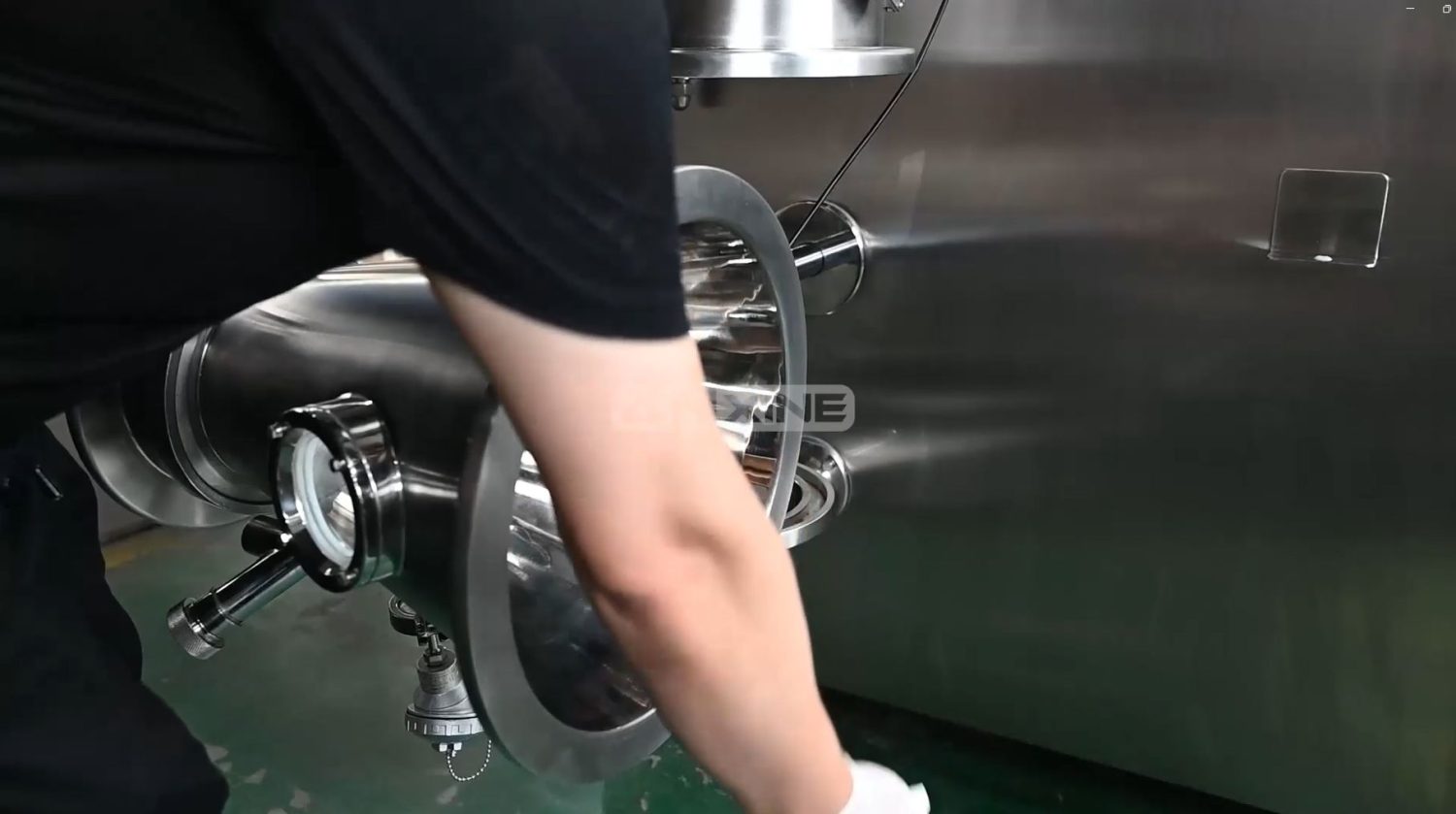
Step 5: After the cycle ends, pull out the container, tilt it, and collect material with a brush.
Watch the video below if you still have questions about the operation procedures of the drying granulator machine CFG-5D.
Section 3: How to Maintain the Dry Granulator Machine CFG-5D
Note 1: Regularly clean the internal and external surfaces of the fan and the air passages of the cooling fan. Periodically inspect and replace fan bearings, seals, muffler sponges, and filters.
Note 2: Regularly inspect the rotating components of the equipment and add or replace lubricating oil to prevent damage caused by insufficient lubrication.
Note 3: Regularly replace the filter cartridges of the air treatment system to prevent excessive dust accumulation, mold growth, and bacteria that can affect airflow.
Note 4: Regularly inspect the compressed air conditioning unit and add 5# or 7# lubricating oil to the oil cup. If there is accumulated water in the filter water separator, please drain it in time.
Note 5: Clean the granulation components, such as collection bags/filters, diversion cones, atomizing nozzles, splitter screens, and sampling devices. After cleaning, dry them thoroughly or store them for backup.
Note 6: If the equipment is not used for a long time, apply rust preventive oil to the surfaces of its main components. Apply rust preventive oil to the surfaces of its main components every two weeks.
Section 4: How to Debug the Dry Granulator Machine CFG-5D
Step 1: Check whether the power supply meets the requirements of the machine and whether the PE grounding protection meets the requirements.
Step 2: Connect the power supply and air supply.
Step 3: Turn on the locked power switch on the operation panel to power on the equipment.
Step 4: When the touch screen lights up and the operation interface appears, select the system language to enter the system selection screen.
Step 5: Log in with administrator privileges or create a new user, then log in with the corresponding user account.
Step 6: Enter the granulation control screen and set the operating parameters via the parameter setting button.
Step 7: Return to the granulation control screen and start the functions in sequence: start the fan and heating for a few minutes to ensure normal operation, and then test the feeding, dust removal, and lighting functions.
Step 8: Ensure that the equipment operates properly.
Step 9: Press the fan button to stop the operation.
Step 10: During the test run, if any abnormality or unusual noise occurs, press the emergency stop button immediately to shut down the machine for inspection.