NOTICE
- The following procedures are intended for the Anxine CZK Series only. For other brands, refer to the original manufacturer’s instructions.
- Always disconnect the power supply before performing maintenance, cleaning, or mold changeover.
- Only trained and authorized persons are permitted to work on the equipment.
- Your equipment may vary from images or videos due to ongoing upgrades.
- If any part of this guide is unclear, contact Anxine for technical support before proceeding.
Section 1: Operation Procedures
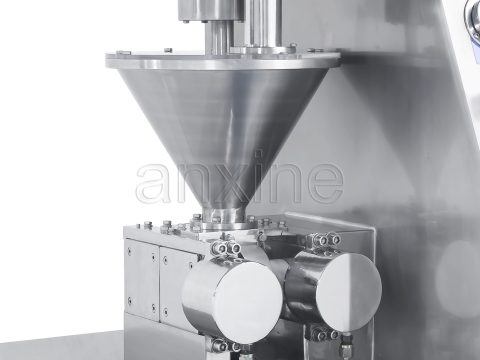
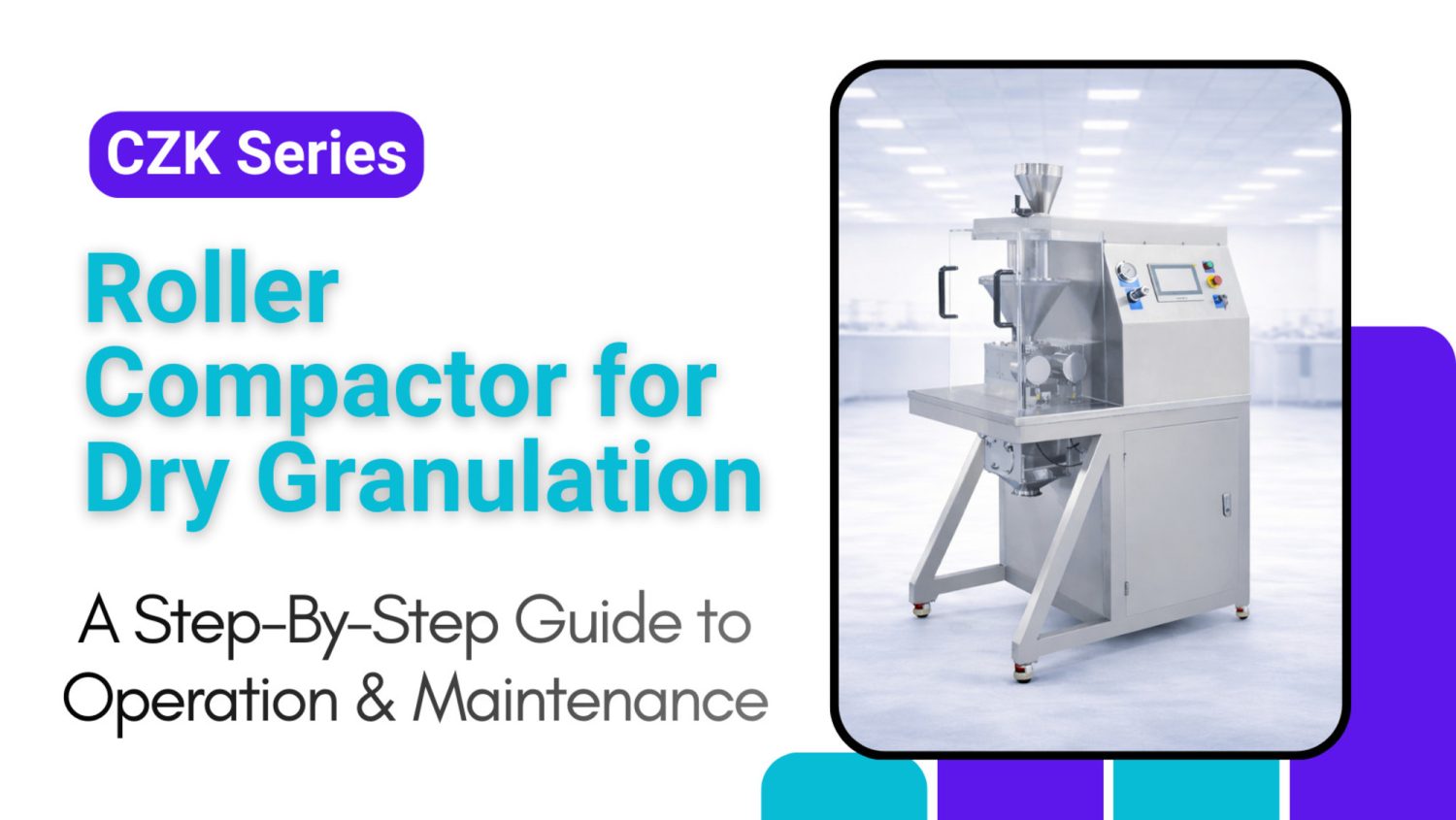
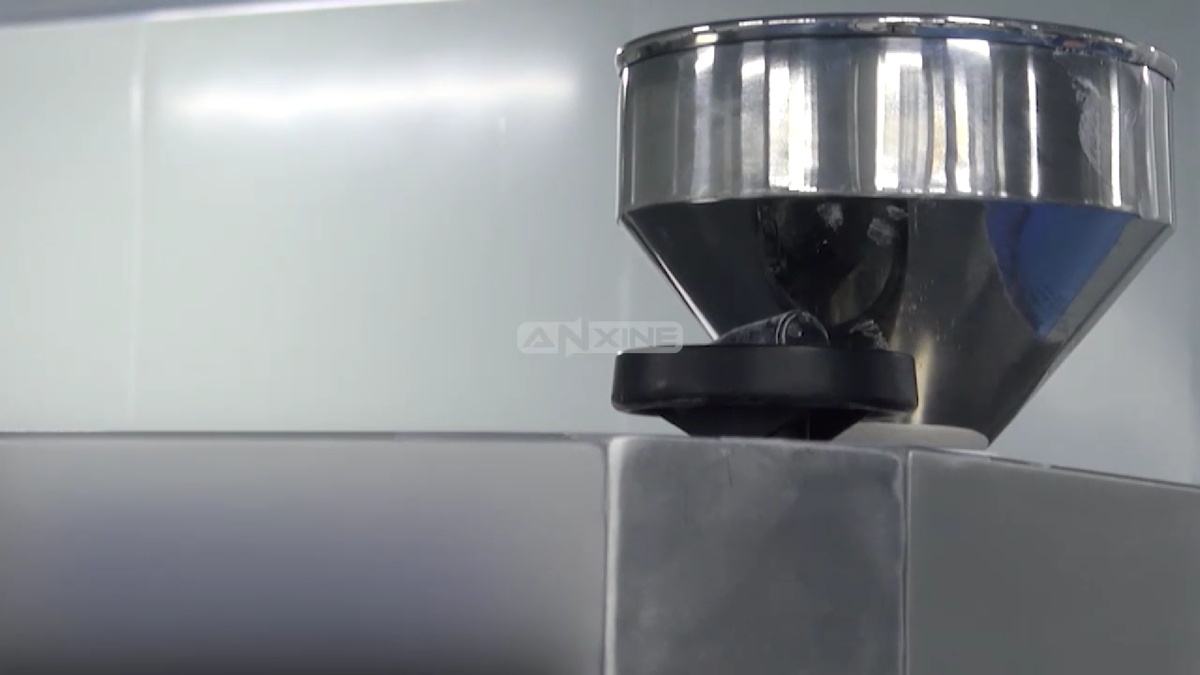
Step 1: Load dry powder into the hopper at the top of the machine. The hopper usually features an auger to feed the powder down into the compaction zone.
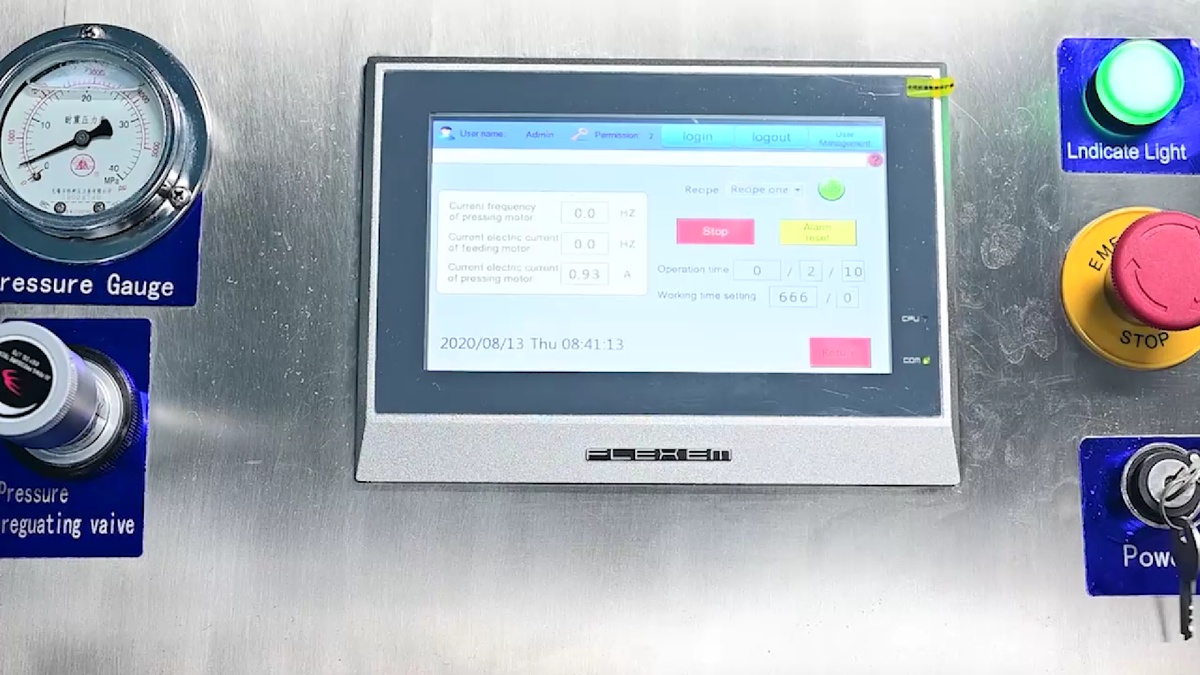
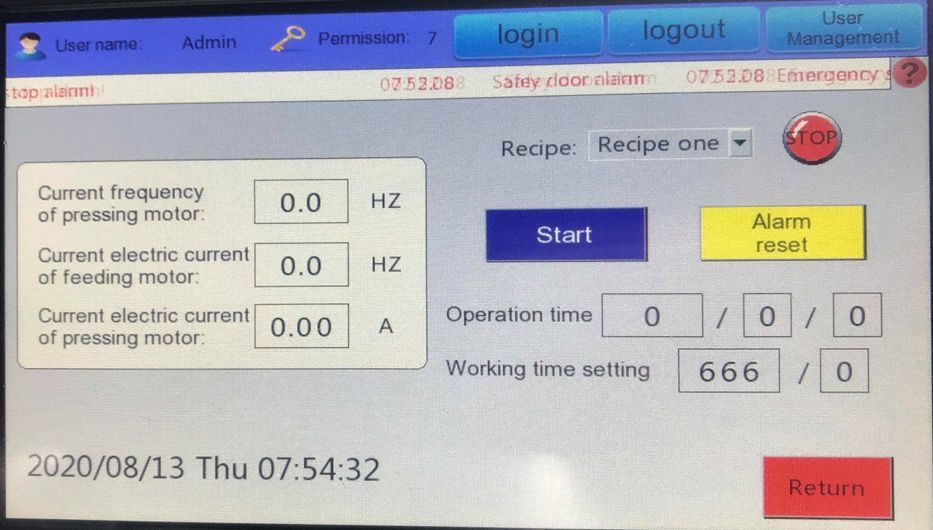
Step 2: Set the desired operation parameters on the touchscreen panel. Press the Start button on the screen to begin the process.
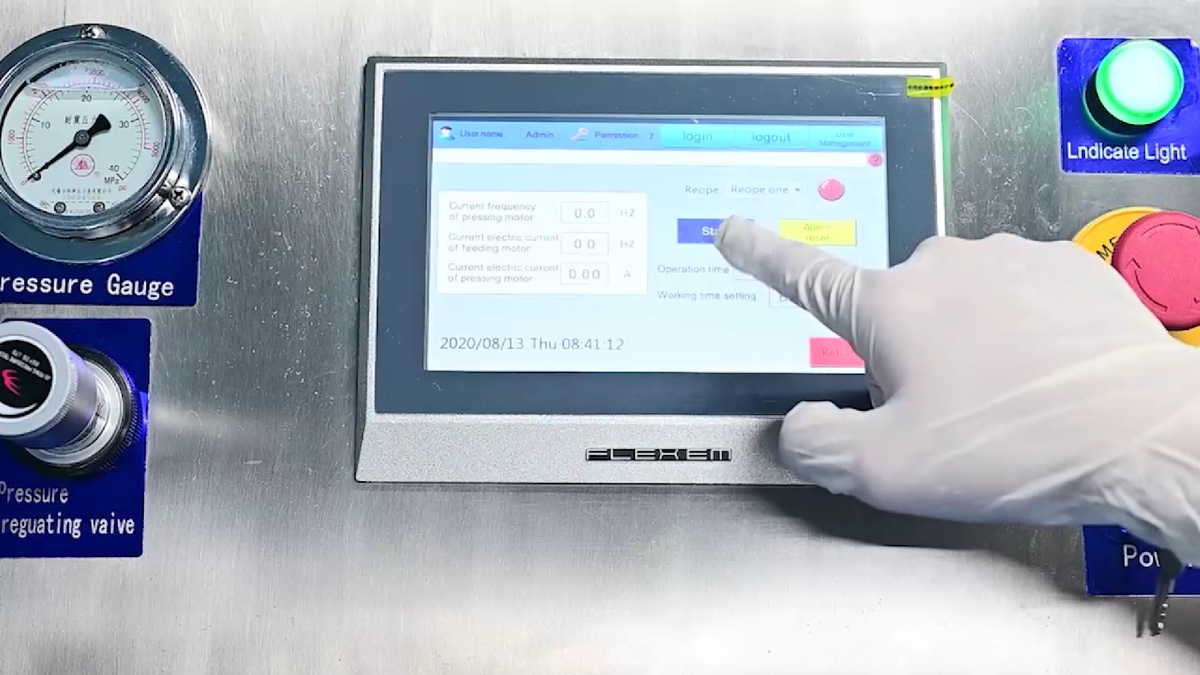
Step 3: Check the pressure gauge on the control panel. Use the pressure regulating valve to fine-tune the hydraulic force applied to the rollers. This ensures consistent ribbon density.
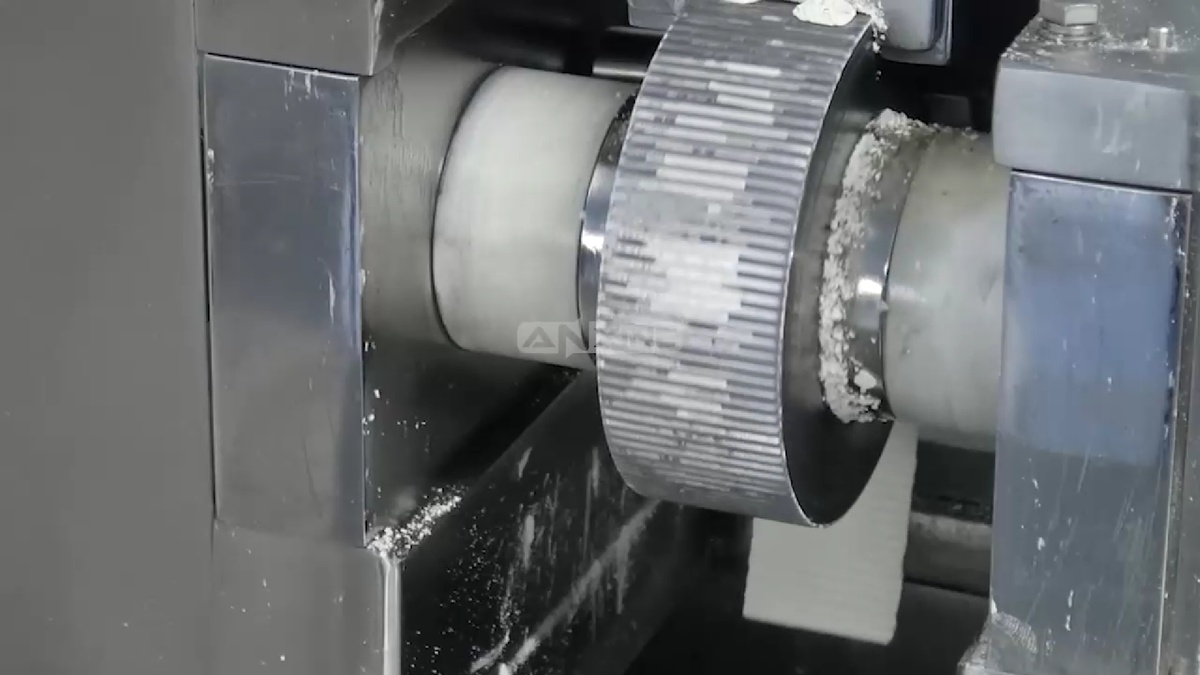
Step 4: The counter-rotating rollers pull the powder through the gap. The powder is then compressed into a dense ribbon.
Step 5: The compacted sheets fall into the granulation chamber below the rollers. In the chamber, milling blades break the ribbons down into smaller, uniform granules.
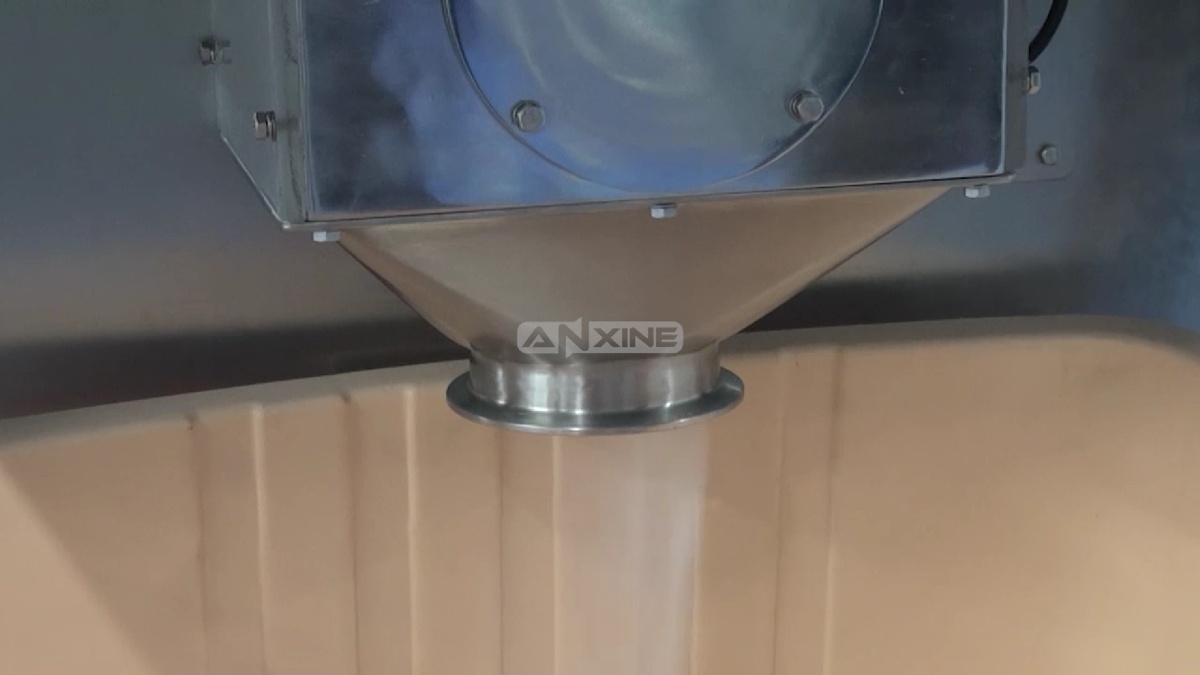
Step 6: The finished granules are discharged through the bottom outlet and collected in a container for further processing.
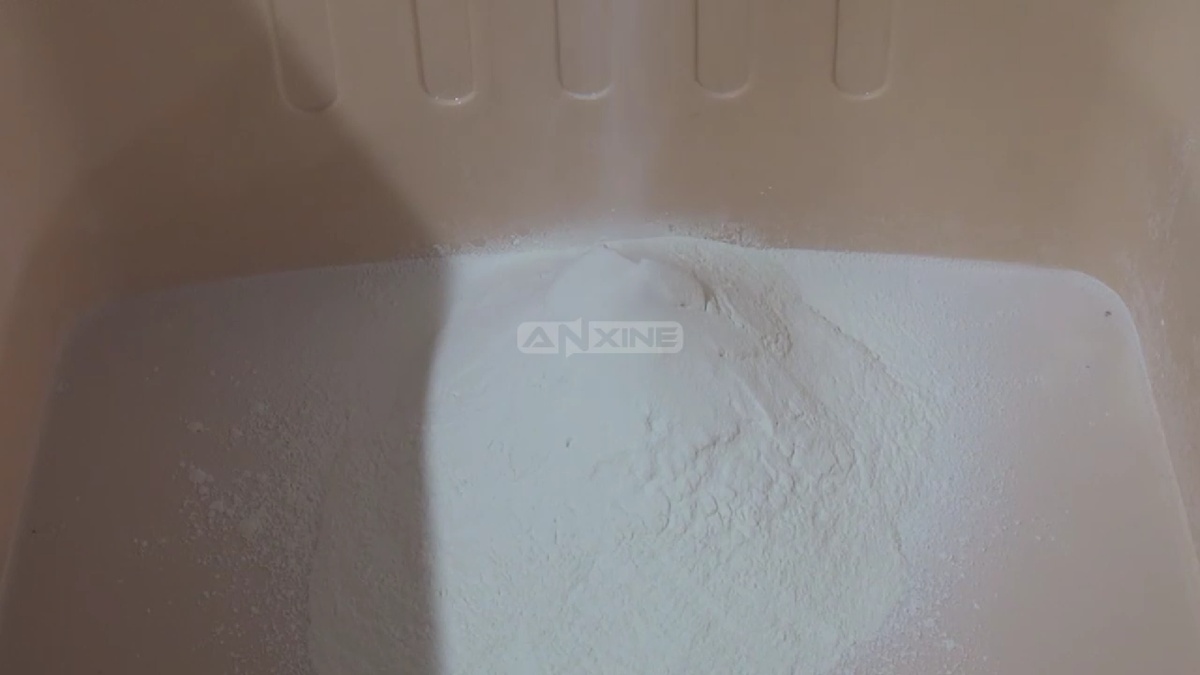
Watch the video below for a full visual demonstration of how a roller compactor performs dry granulation.
Section 2: Operation Procedures of the Touch Screen
Step 1: Connect the main power, insert the start key, and turn on the power switch. The home page of the system appears on the screen.
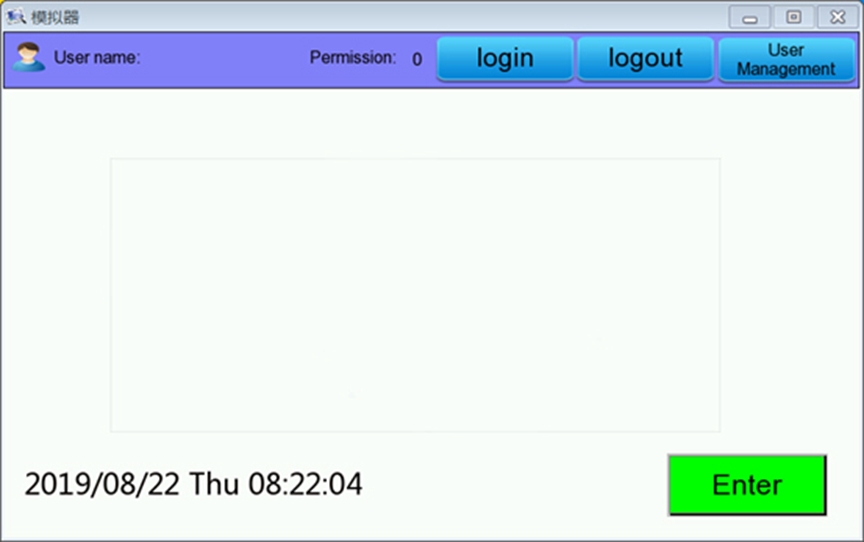
Step 2: Press the key “User Management” to access the page of user authority management. Create or change user names according to the actual needs.
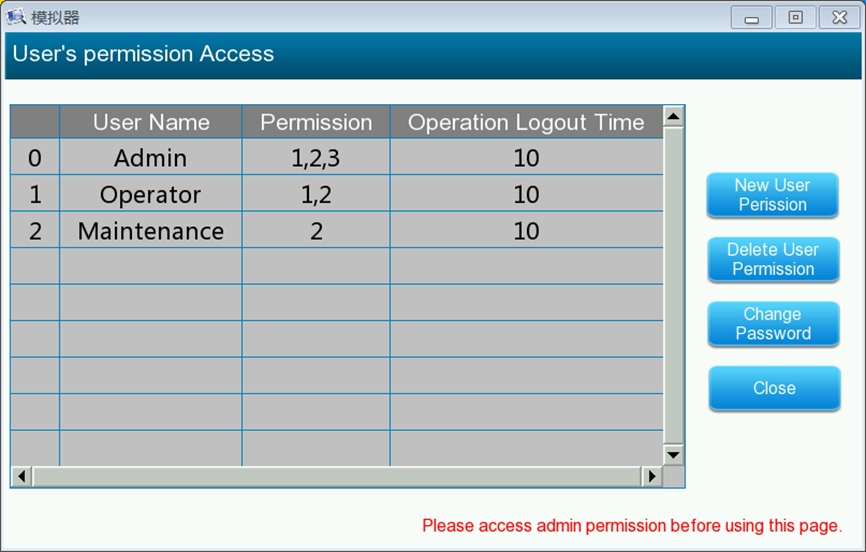
Step 3: After finishing setting, exit the page of user authority management. Press the key “login” in the home page, and input user name and password to log in.
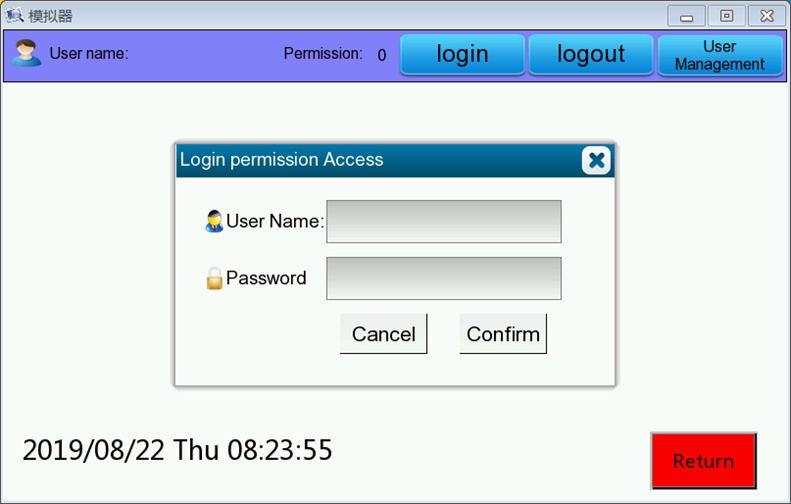
Step 4: After pressing “Confirm” for successful login, press the key “Enter” in the home page to access the page of the system menu.
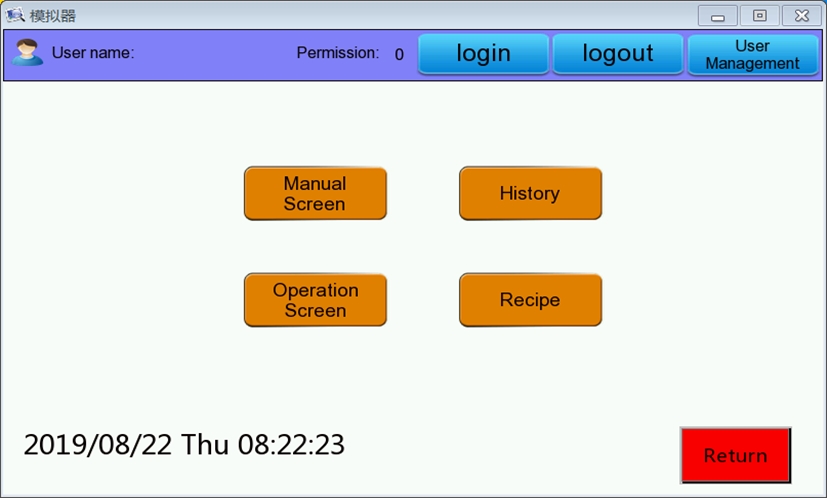
Step 5: Press the key “manual Screen” for the page of manual operation. Set the parameters and manually control the operation of each unit.
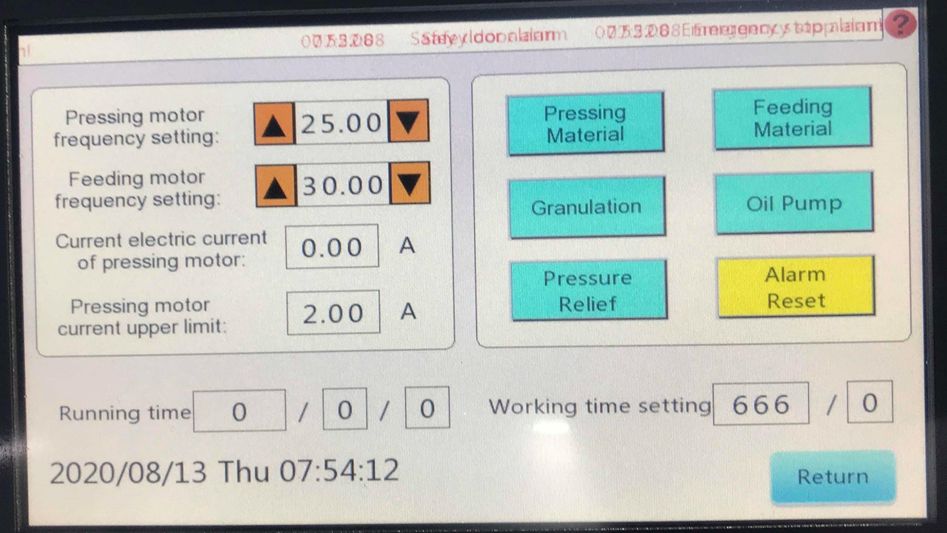
Step 6: Press the key “Operation Screen” to access the page of automatic operation. Set parameters for automatic operation.
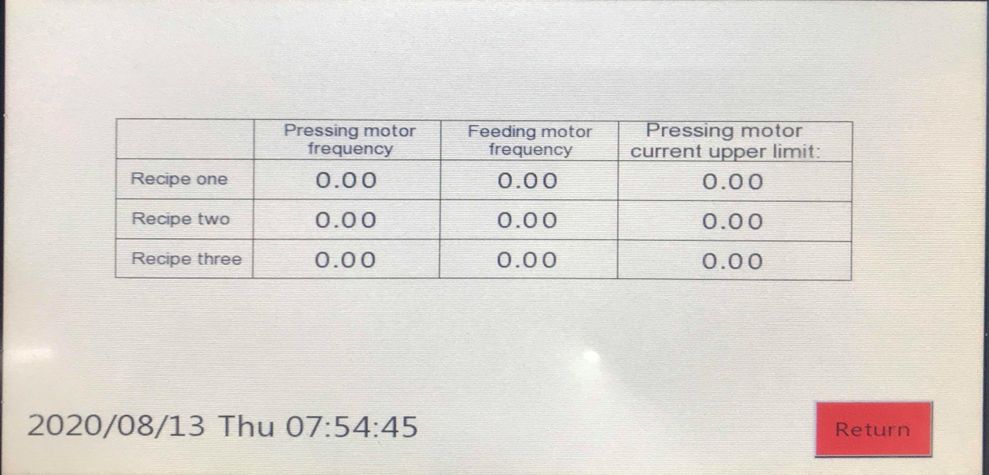
Step 7: Press the key “recipe” in the page of the system menu to access the recipe setting page where each operation parameter can be set.
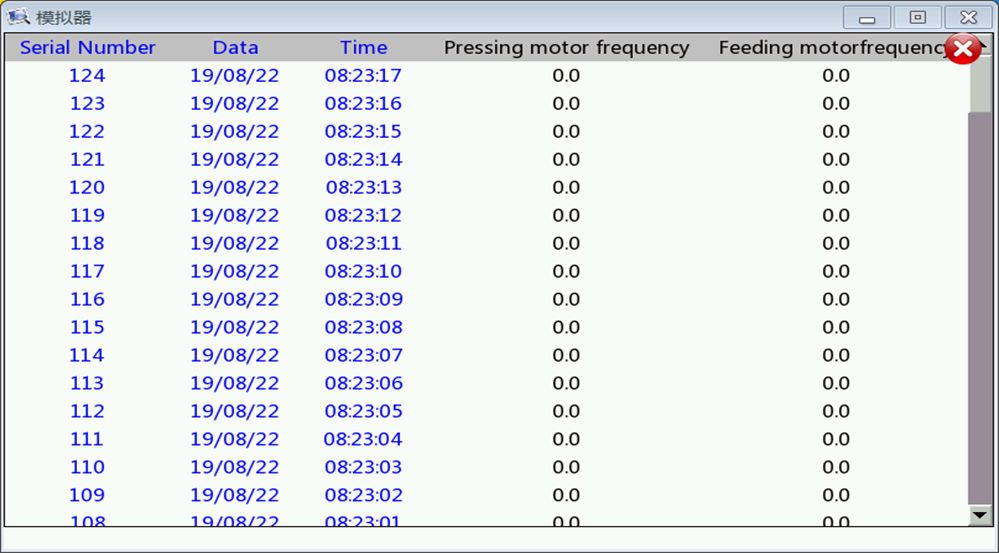
Step 8: Press the key “History” in the page of the system menu to access and browse historical data.
Section 3: Debugging Procedures
Step 1: Clean all parts of the equipment and the surroundings
Step 2: Check whether the power supply and the grounding protection meet the requirements of the machine.
Step 3: Connect the power supply and start the locked power switch.
Step 4: Refer to “Section 2: Operation Procedures of the Touch Screen” for detailed operations.
Step 5: Run the machine without materials for a while when it is used for the first time. Check whether the running direction of the oil pump motor is correct. Check the electrical and oil systems of the equipment, and the connecting parts for looseness and leakage.
Step 6: After confirming that there is no abnormality, access the manual operation interface and set the operation parameters. Then, press the keys on the manual screen in sequence: “Granulation,” “Pressing Material”, “Oil Pump” and “Feeding Material”, ensuring each unit works properly during the process. If there is any abnormality in the operation of the equipment, press the emergency stop button immediately.
Step 7: Run the machine with materials. Access the manual operation interface. Add the mixed dry powder into the hopper. Adjust the pressure of the oil pump, feed rate and roller speed in time to make them cooperate the best. At the same time, the rotation speed of the granulation unit can be adjusted to make the hard sheets pass through the sieve mesh to be desired particles of appropriate size.